Overview
This upgrade adds a MultiMode Optocore interface with ST optical connectors to a DiGiCo D-Rack. The rack can then sit on the DiGiCo Optocore loop with Optocore equipped SD and Quantum consoles instead of, or as well as, its CAT5e MADI link.
Fibre gets you past CAT5 length limits and lets more than one console on the loop use the rack's inputs.
Highlights
- Adds Optocore fibre to a D-Rack
- ST optical connectors
- MultiMode, SingleMode upgrade available
- 1G or 2G fibre speed
- CAT5e MADI port remains
Compatibility
Fits: DiGiCo D-Rack (DRACK1, DRACK2), adding one MultiMode Optocore interface alongside the standard CAT5e MADI port.
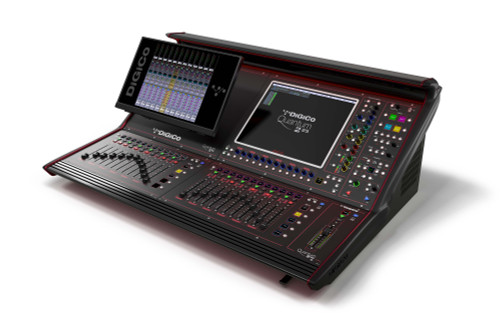
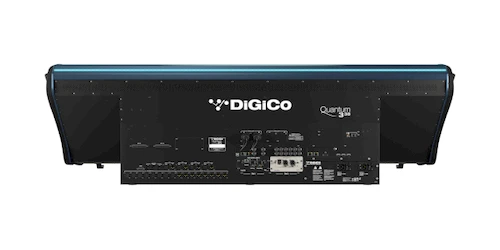
Connects to: the DiGiCo Optocore loop shared with Optocore equipped consoles (factory fit option on SD9, SD12, Quantum 225, Quantum 326 and Quantum 338), other Optocore racks (SD-Rack, SD-MiNi, SD-Nano) and an Orange Box with a DMI-OPTO card. Optocore ID and fibre speed (1G or 2G) are set with DiGiCo Control software over USB.
Specifications
| Fits | D-Rack (DRACK1, DRACK2) |
| Connector | ST optical connectors |
| Fibre | MultiMode (SingleMode option) |
| Fibre speed | 1G or 2G |
| Setup | DiGiCo Control software via USB |
Forefront Tip
D-Rack Optocore setup is done in DiGiCo Control software, so have a Windows laptop and USB cable ready to set the Optocore ID and fibre speed before the rack goes on the loop. All devices must run matching Optocore firmware.
Forefront Productions is an authorised DiGiCo dealer in Newcastle NSW. We ship Australia wide and can help you spec the full rack.